
We have a quick question today from Gabi:
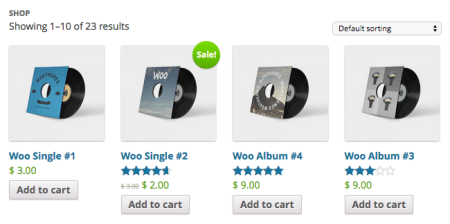
Hi. I’ve tried using your Remove sorting options plugin to remove my dropdown, but removing all options leaves the dropdown there. Is there a change I need to do to remove the empty sorting dropdown?
If you’d like to remove some of the built-in WooCommerce sorting options, our WooCommerce Remove Product Sorting can easily do it for you. However, this isn’t the best option if you want to remove the entire sorting dropdown. Fortunately this is pretty easy to do as well.
If you’ve never added a code snippet to your site, check out our tutorial on how to do so, and we can snip this sorting dropdown right out of the shop.
The product sorting dropdown is added here, so all we need to do is remove that action so that it’s never added into our shop loop. To do so, add this snippet:
remove_action( 'woocommerce_before_shop_loop', 'woocommerce_catalog_ordering', 30 );
Now we’ll have shop and category pages that never add this action, which means your dropdown won’t appear.
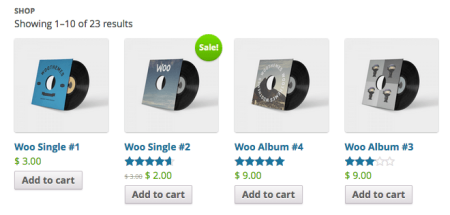
All done! Now the dropdown will never appear in any shop loop.