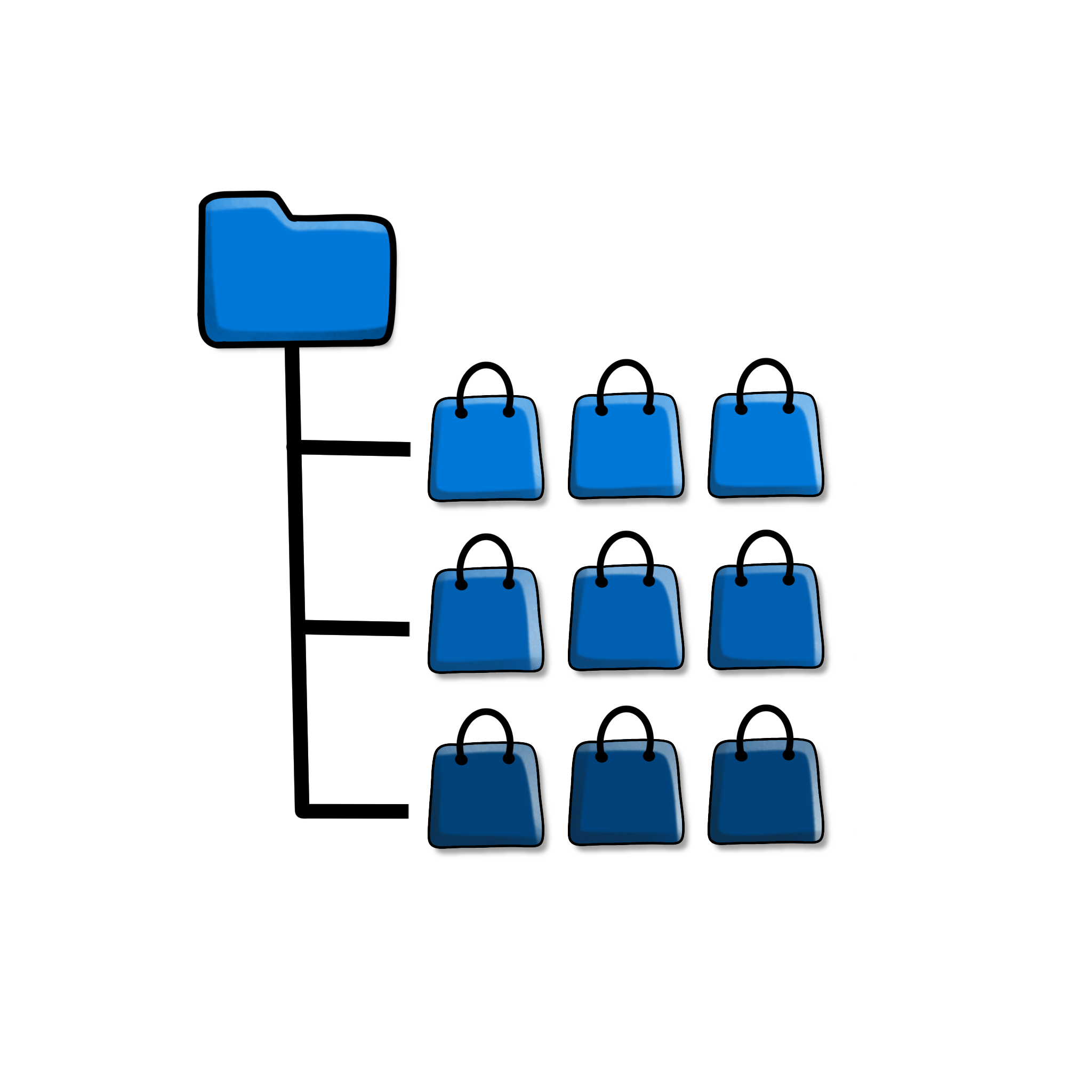
Help customers find products faster with organized category browsing
Large catalogs with many subcategories can quickly become overwhelming to navigate. Nested Category Layout displays your product categories in a clear, organized, hierarchical structure — making it easier for customers to browse and find exactly what they’re looking for.
Who it’s for
Ideal for stores with deep or complex category structures — multiple levels of subcategories that can be hard to navigate using WooCommerce’s default category display.
What you get
- Clear nested hierarchy. Display parent and child categories in an organized, easy-to-scan layout.
- Improved navigation. Help customers understand how your catalog is organized at a glance.
- Works with your existing categories. Apply this layout to your current category structure without reorganizing your catalog.
- No coding required. Enable the nested layout directly through simple settings.
How it works
Once activated, the plugin automatically restructures how your category lists are displayed — showing parent categories with their subcategories nested clearly beneath them. This works with your existing WooCommerce category setup, so there’s no need to rebuild or reorganize your catalog.
Frequently Asked Questions
Do I need to reorganize my categories to use this?
No, the plugin works with your existing category structure and simply changes how it’s displayed.
Will this work with my theme?
Yes, since it integrates with WooCommerce’s standard category display, it works with any properly coded WooCommerce theme.
Can I control how many levels of subcategories display?
Yes, you can configure how much of your category hierarchy is shown in the nested layout.
Does this affect how categories are used elsewhere in my store?
No, this plugin only changes how categories are displayed to customers — it doesn’t affect how categories function elsewhere in WooCommerce.